
Offering Envelope Templates
Download a starter template sized exactly to your envelope — Pew-Size-1 or Pew-Size-3 — so your layout prints perfectly the first time. Pick the format that matches your design software below.
Before you start
Photoshop, InDesign, and Illustrator files are already set to the correct size — just open and design.
Using something else? Set your page size to 6½″ × 3⅝″ for Pew-Size-1, or 6¼″ × 3⅛″ for Pew-Size-3, and scale the template to fit.
Keep the template layer in the background as a guide — it's fine to leave it in when you upload your file.
When you're done, convert your layout to PDF or a high-res JPG, and convert all text to outlines.
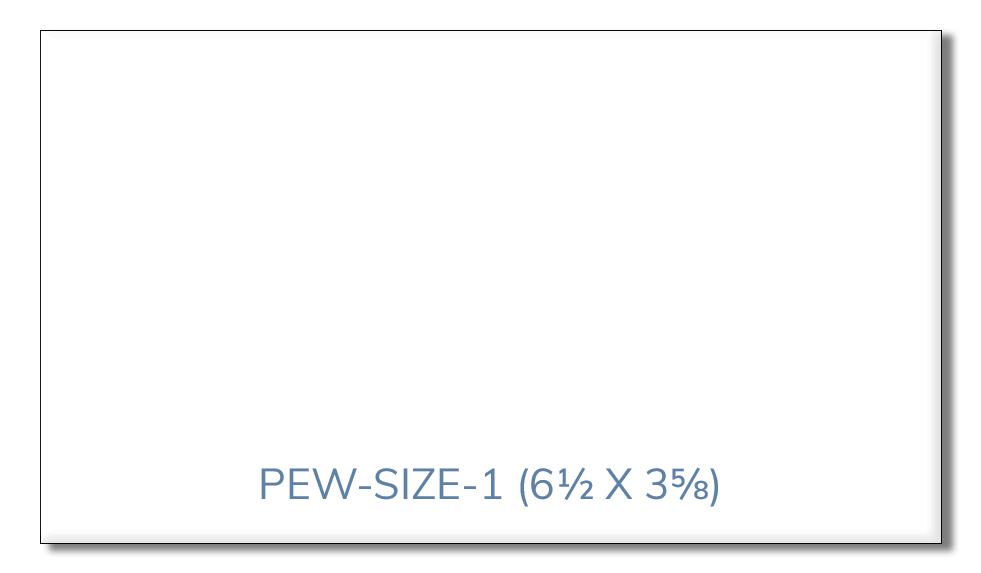
Pew-Size-1
6½″ × 3⅝″Our best-selling size, with the largest print area.
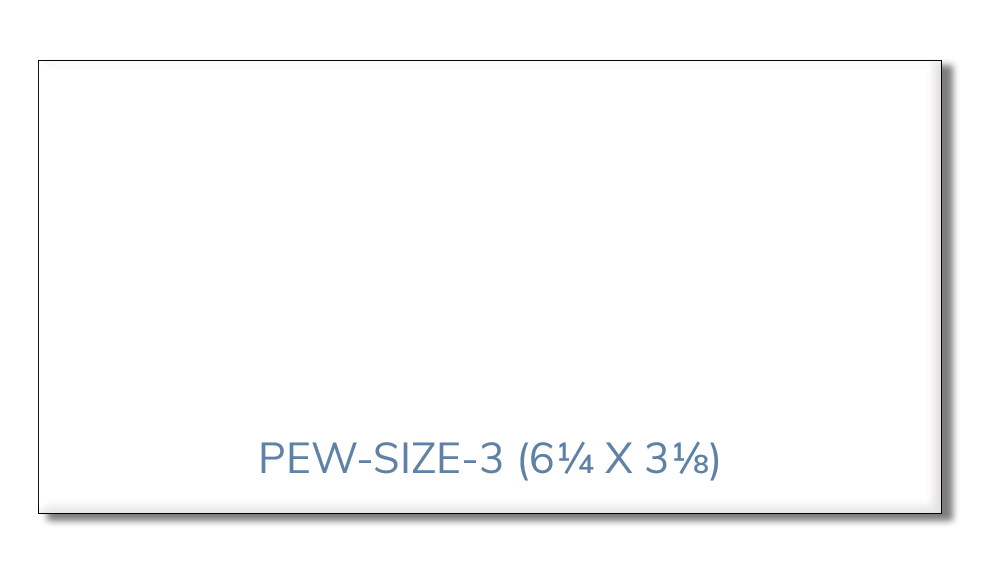
Pew-Size-3
6¼″ × 3⅛″The "dollar size" envelope, with an easy-open thumb cut.
Once you upload a design, it's saved to your account automatically — so reordering the same layout later takes just a couple of clicks.